We are upgrading our data security and have now enabled 2FA or Two Factor Authentication on your Compass account.
Upon logging in to Compass, you will now receive the following message:
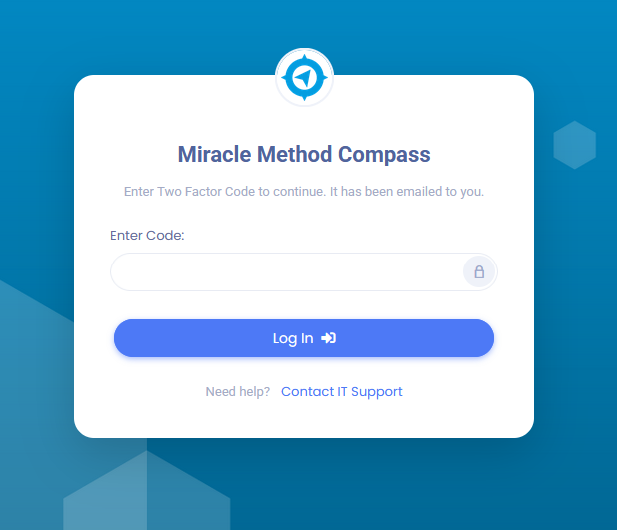
Once you receive that message, an email will automatically be sent to the email address you log in to Compass with:
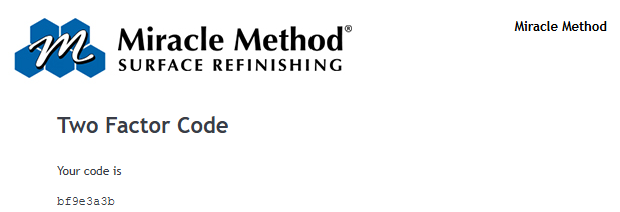
Copy and paste the code from the email into your Compass browser, and you will be logged into the system.
Was this article helpful?
That’s Great!
Thank you for your feedback
Sorry! We couldn't be helpful
Thank you for your feedback
Feedback sent
We appreciate your effort and will try to fix the article